
Canva has recently introduced Offline Mode, a feature that allows you to access and present your designs even when you don't have an internet connection. This is especially helpful for users who experience connectivity issues or need to present on the go.
If you'd like to make your Canva presentation available offline, follow these simple steps:
Step 1: Open your Presentation
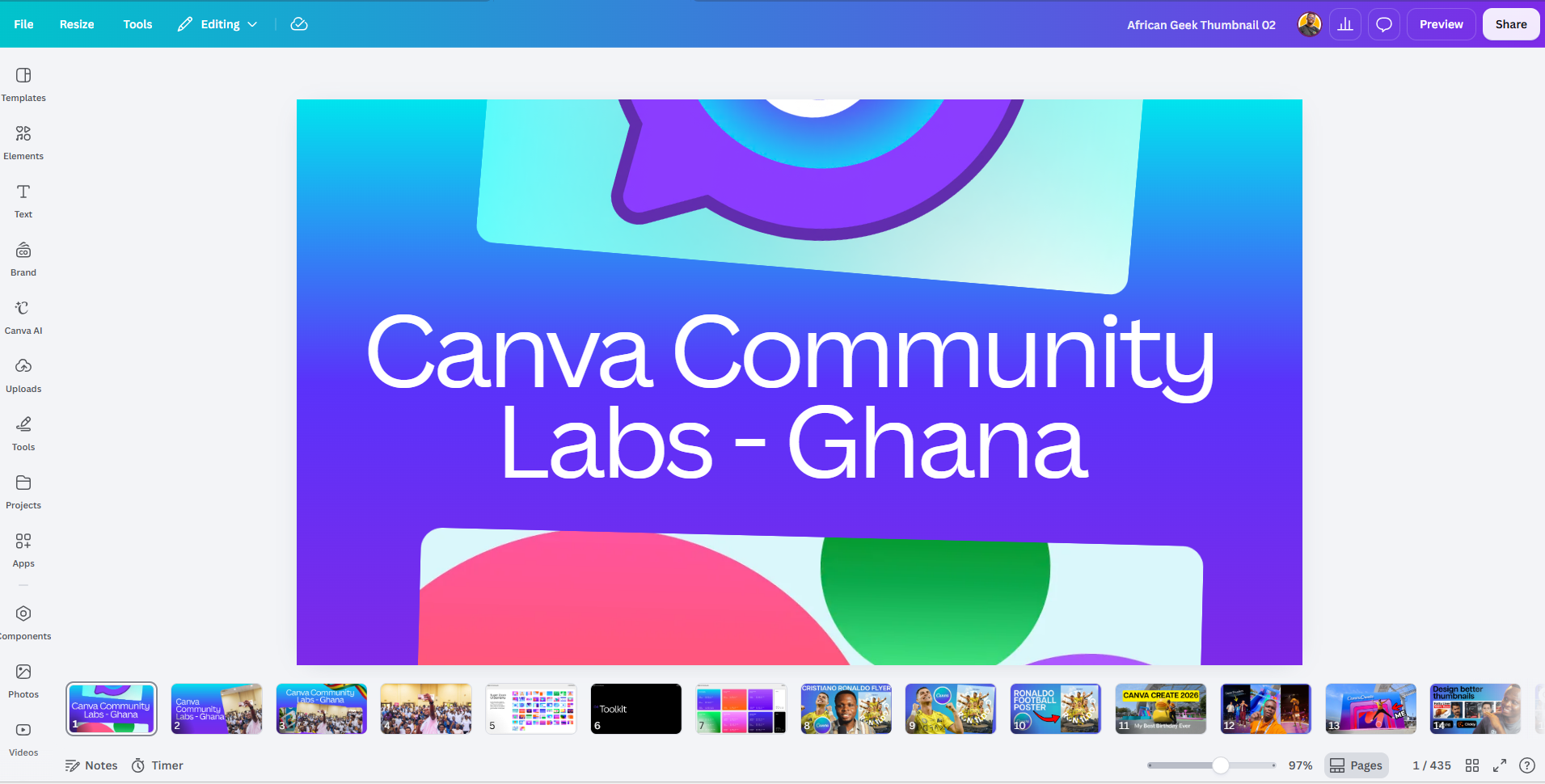
Open the presentation (or any Canva design) that you'd like to access offline.
Next, locate the File menu in the top-left corner of the Canva editor.
Step 2: Make the Design Available Offline
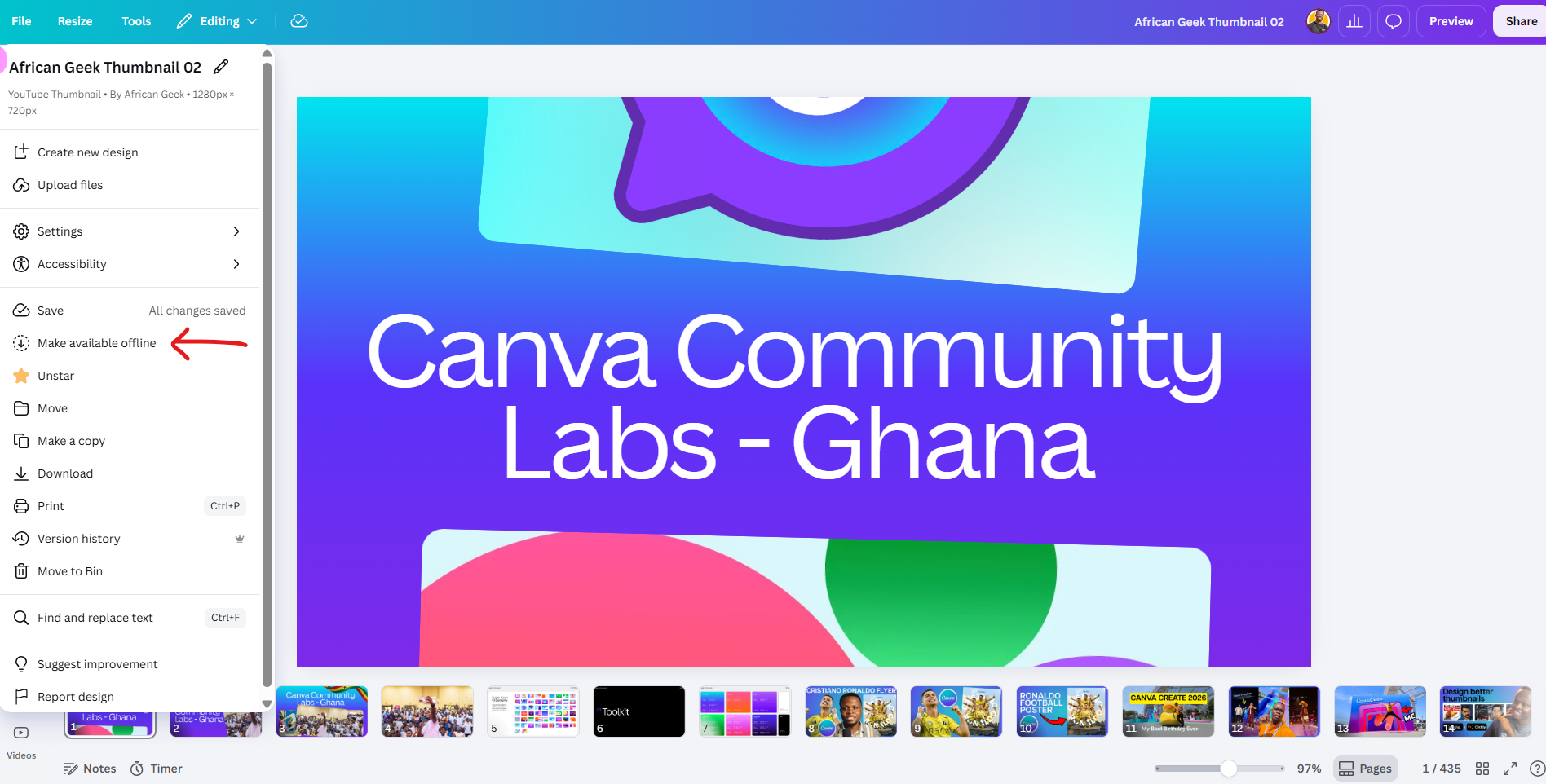
Click on File, then select Make Available Offline.
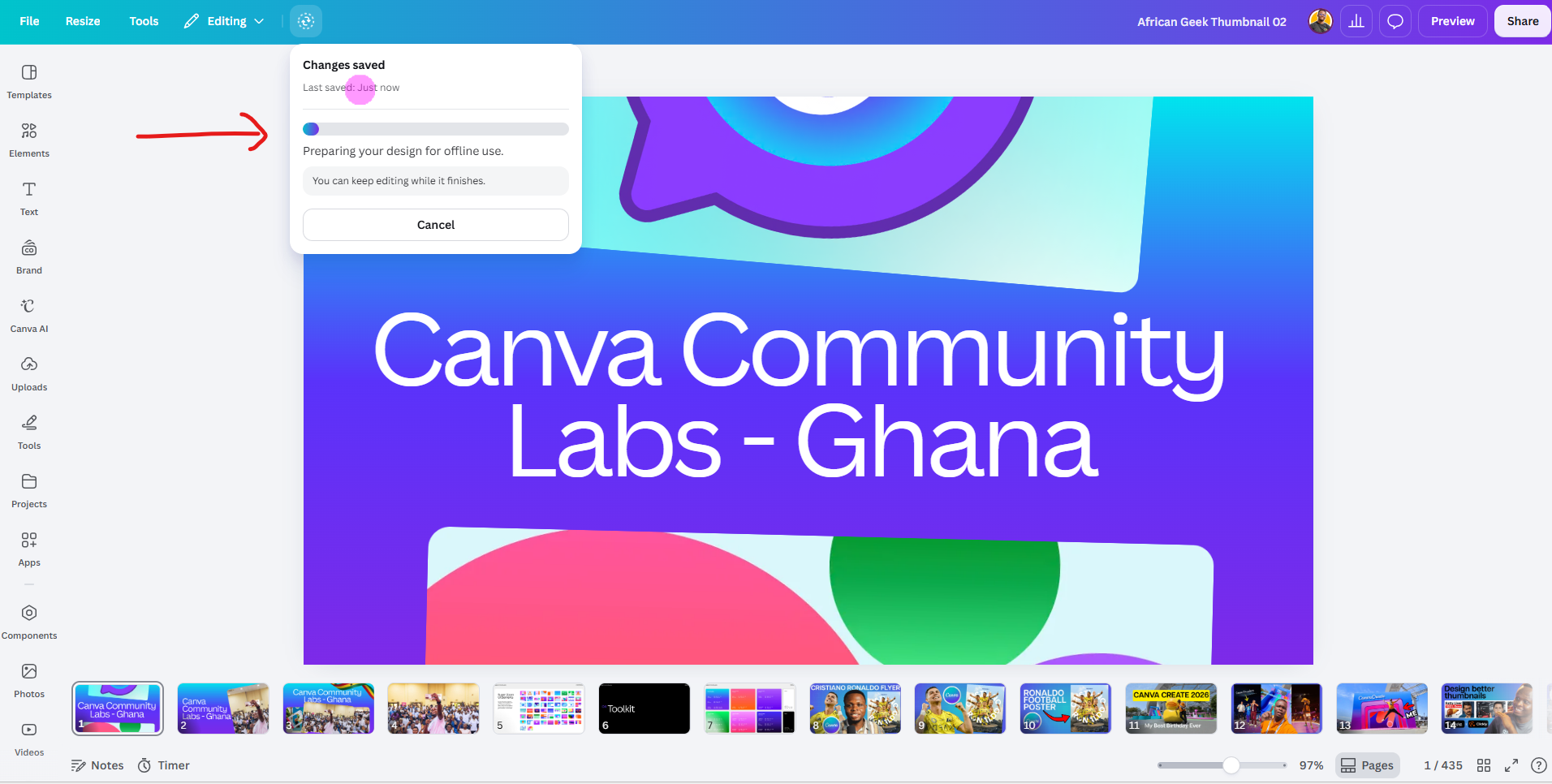
Once you click this option, Canva will download and store the design locally on your device, allowing you to access it without an internet connection.
How to Check if Your Presentation Is Available Offline
To confirm that your presentation has been saved for offline use:
- Disconnect your device from the internet.
- Open Canva.
- Navigate to your homepage.
If the process was successful, your presentation should still be visible and accessible from your Canva homepage.
What Can You Do Offline?
When you're offline, you can:
- Open your saved presentation
- Review your slides
- Present your presentation without an internet connection
This makes Canva a much more reliable tool for meetings, workshops, classrooms, and events where internet access may be limited.
Final Thoughts
Canva's Offline Mode is a simple but powerful feature that gives you more flexibility when working on presentations and other designs. If you frequently work in areas with unstable internet connections, it's definitely worth using.
I hope you found this guide helpful. Happy designing!